Adalo / Ada prompts
5 Ada Prompts That Get Better Results in Adalo
On this page ↓
Most apps don't get stuck because of the idea. They get stuck because of how the idea is explained. Ada works best when you give it a clear goal, say who the app is for, describe how things should work, and tell it what to leave alone.
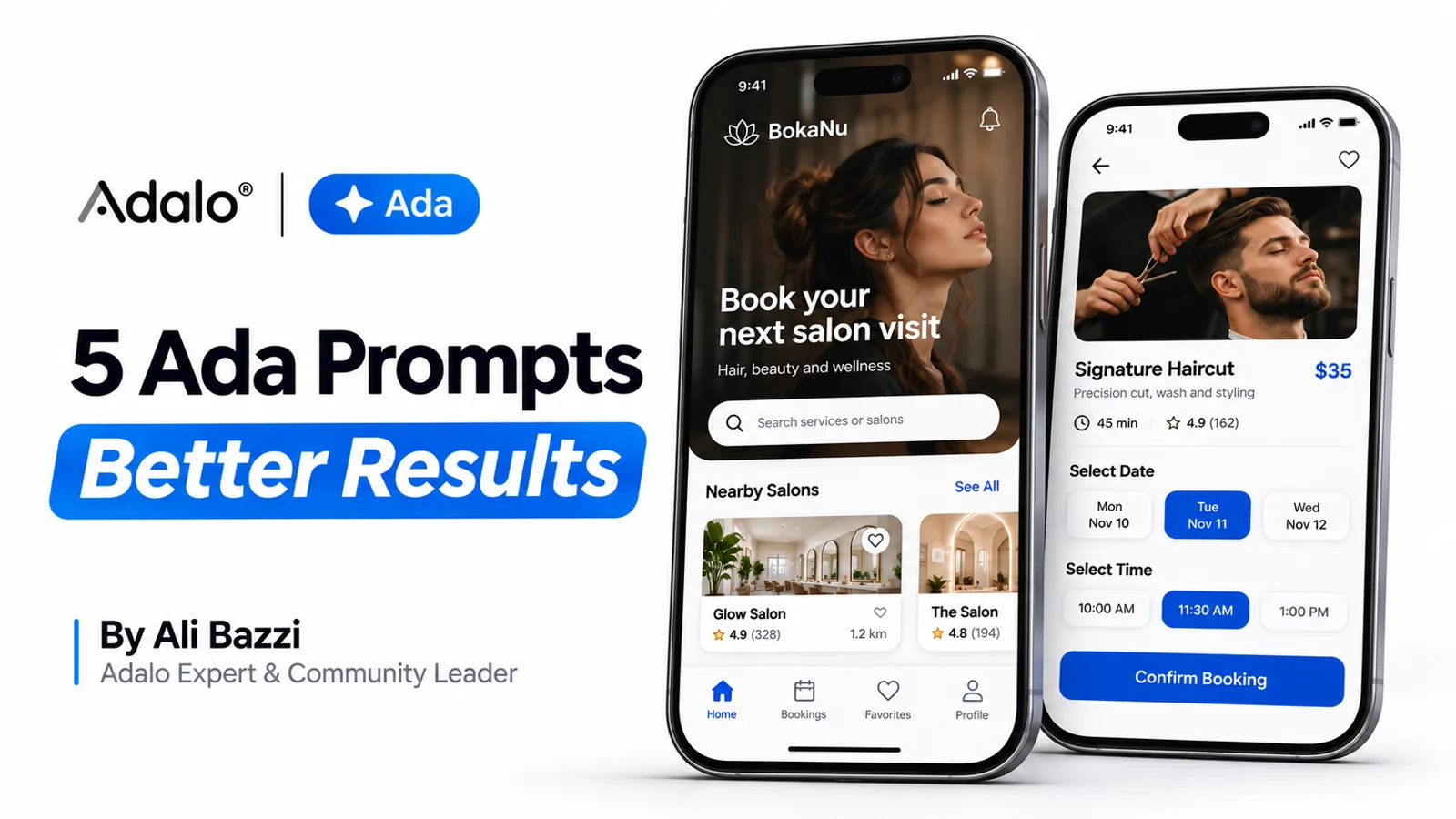
Here are five prompts you can use on a real project. Change the brackets to fit your app.
1. Start small
Describing every feature in your first message makes the first version harder to build and harder to test. Pick the main problem and the few features that solve it.
I'm building a [type of app] for [target users]. It helps them [main goal]. For the first version, focus on [feature one], [feature two], and [feature three]. Keep navigation simple and leave advanced features for later. Ask me about any missing details before making assumptions.
For a salon booking app, that means browsing services, picking a time, and seeing upcoming bookings. Loyalty points and referrals can wait.
2. Explain how your data connects
A list of collections doesn't tell Ada much. What matters is how they relate to each other.
My app needs Customers, Services, and Bookings. Each booking belongs to one customer and one service. A customer can have many bookings, and a service can appear in many bookings. Help me structure the collections, properties, and relationships for this workflow. Flag anything that needs clarification.
Getting this right early saves you from rebuilding screens later.
3. Describe the full journey
Don't think in single screens. Think about where the user starts, what they choose, and what happens next.
Help me build this booking journey: the user browses services, opens a service's details, selects an available time, confirms the booking, and sees it in My Bookings. Explain what each screen needs and how the selected service and booking information should move through the flow. Prevent confirmation when required information is missing.
A full journey gives you something real to test from start to finish.
4. Give every screen a purpose
"Make it look better" can mean anything. Tell Ada what the user should be able to do on that screen.
Improve the [screen name] so users can easily [main action]. Make that action visually prominent, simplify the layout, and use consistent spacing and readable text. Preserve the existing functionality and data connections. Explain the proposed changes first.
On a booking screen, the goal might be making the service, the time, and the confirm button easy to spot.
5. Report problems with details
When something breaks, say what you expected and what actually happened.
On [screen name], when I [action], I expect [result], but instead [actual behaviour]. Help me investigate the relevant actions, current record, relationships, and filters. Explain the likely cause before suggesting the smallest fix. Ask for screenshots or settings you cannot inspect.
This keeps Ada focused on the real issue and avoids changes in parts of the app that were working fine.
Build one flow at a time
You don't need a perfect prompt to start. Give Ada enough context, build one flow at a time, and test before moving on.
If you'd rather have an expert look at your project, you're welcome to book a consultation.
Which of these prompts would help most with the app you're building?